This step-by-step guide will explain user action logs.
1) The Activity button allows you to view the history of all actions taken in any submission, including any exceptions adjustments.
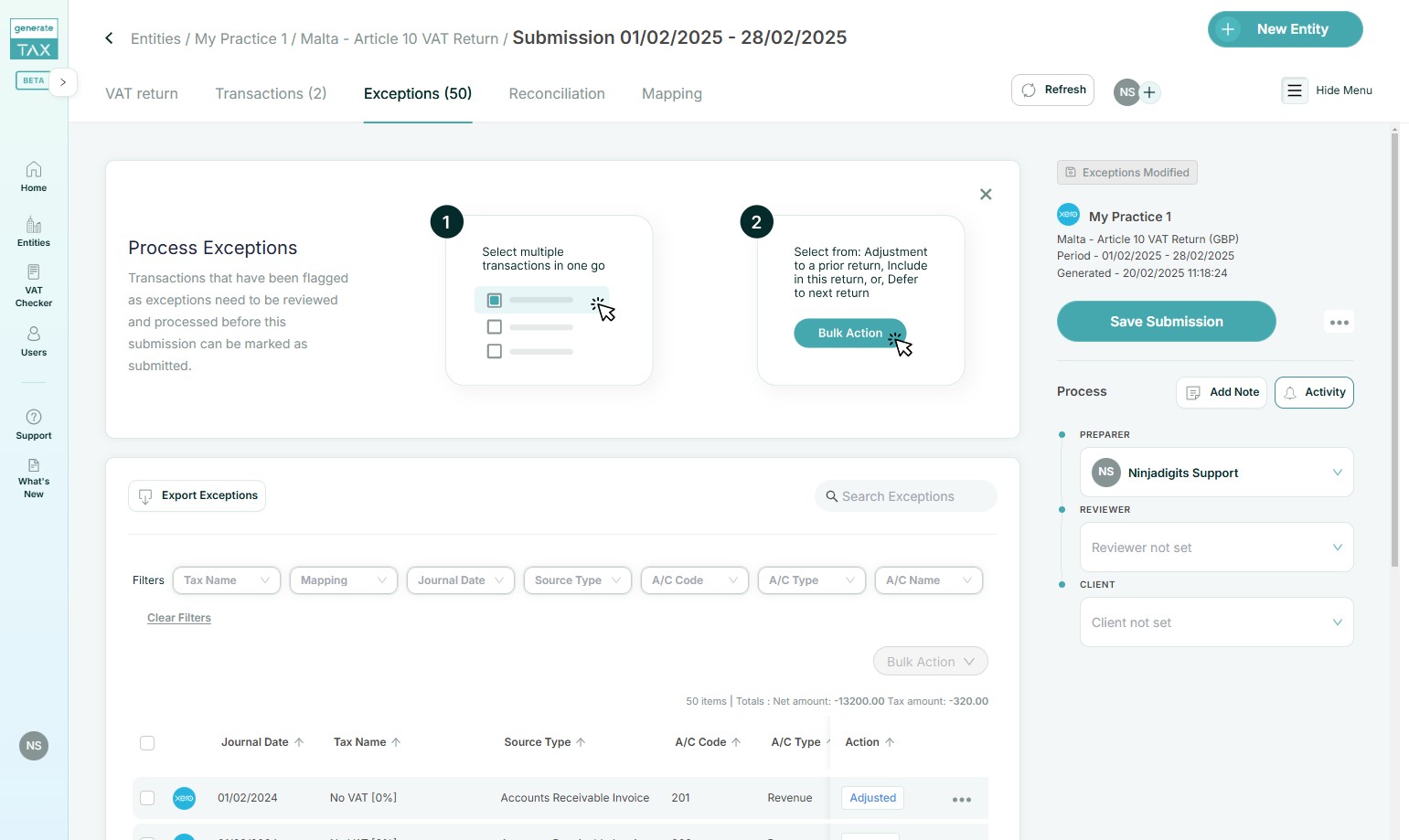
2) You will see the full history, including the timeframe of each action taken.
3) If you chose to adjust in a prior submission, the log within activities has a clickable submission period.
4) Once you click on this submission link, you will be redirected to that submission and you can check the adjustments made.
5) You can still modify adjusted transactions after saving the submission, as long as the changes are made before submitting the report.
Success! You have navigated through the user action logs.
Related Articles
Introduction to Exceptions
Out-of-period transactions that have been flagged during tax submission creation are managed within the Exceptions section. These transactions are identified based on their relation to previously created and submitted returns, allowing them to be ...
Delete a user
This guide offers step-by-step instructions to delete a user. The owners' account cannot be deleted. You can assign a new owner and then it can be deleted. 1) Click the 3 dots next to the user or client to be deleted and select Delete User. 2) ...
Add a new user
This guide offers step-by-step instructions for adding users. 1) Click the Users icon. 2) In the Users page, click the Add a user button. 3) Choose between User or Client and enter the First Name, Last Name and the Email Address. 4) Click Send Invite ...
Assign user permissions
This guide offers step-by-step instructions for managing user permissions within an account. 1) Click the Users icon and click on the name you want to adjust permissions. 2) Click the Access Rights button to grant users access to entities, allowing ...
Tax submission - Refresh transactions after editing in Xero
This guide will show you how to refresh the data once you edit transactions in Xero, whether it is an incorrect tax rate, need to adjust the value of a transaction, or make other changes. Once you have completed a tax return mapping and generated a ...